Account security is one of the most important pieces of today’s busy and interconnected online world. Nobody wants strangers accessing personal information, social accounts, private messages, or business pages without permission.
You might already use a password manager and two-factor authentication, as we mentioned in a previous post, but there is another layer of protection worth knowing about: physical security keys.

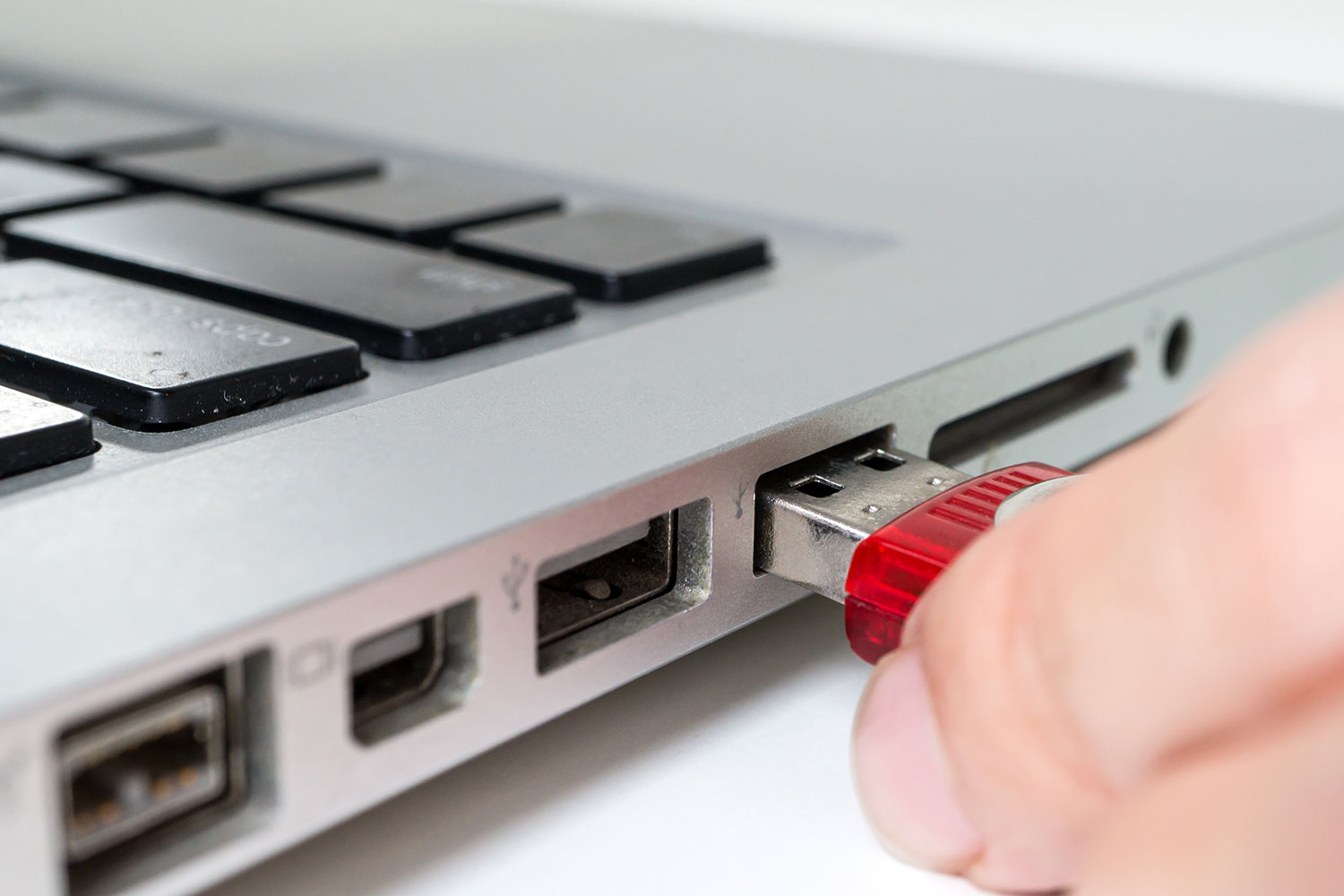
In response to similar approaches from Google and Dropbox, Facebook added support for safer login security keys. When you log into your account, the physical device helps prove your identity instead of relying only on a code sent to your phone.
The advantage is simple: a security key is harder for an attacker to intercept. Text-message codes can be targeted through SIM swapping, phishing, or account recovery tricks. A physical USB, NFC, or USB-C security key requires possession of the actual device, which makes unauthorized login much more difficult.
These keys can also be faster. Instead of waiting for a text message or opening an authentication app, you insert the key or tap it when prompted. The login process confirms that the key is present and that the website is legitimate, which helps protect against fake login pages.
This type of authentication is now commonly associated with standards such as FIDO2 and WebAuthn. Those standards allow supported websites and browsers to verify a login without exposing reusable password codes. Put simply, the key proves you are physically present without handing over a secret that can easily be copied.
For everyday users, a security key is especially useful for protecting email, social media, cloud storage, banking, and administrator accounts. For businesses, it can reduce the risk of stolen credentials being used to access internal systems or customer-facing accounts.
It is a welcome move from Facebook and a good reminder that online security works best in layers. Strong passwords, a password manager, two-factor authentication, and physical security keys all help reduce the chance of someone getting into an account they should not be able to access.